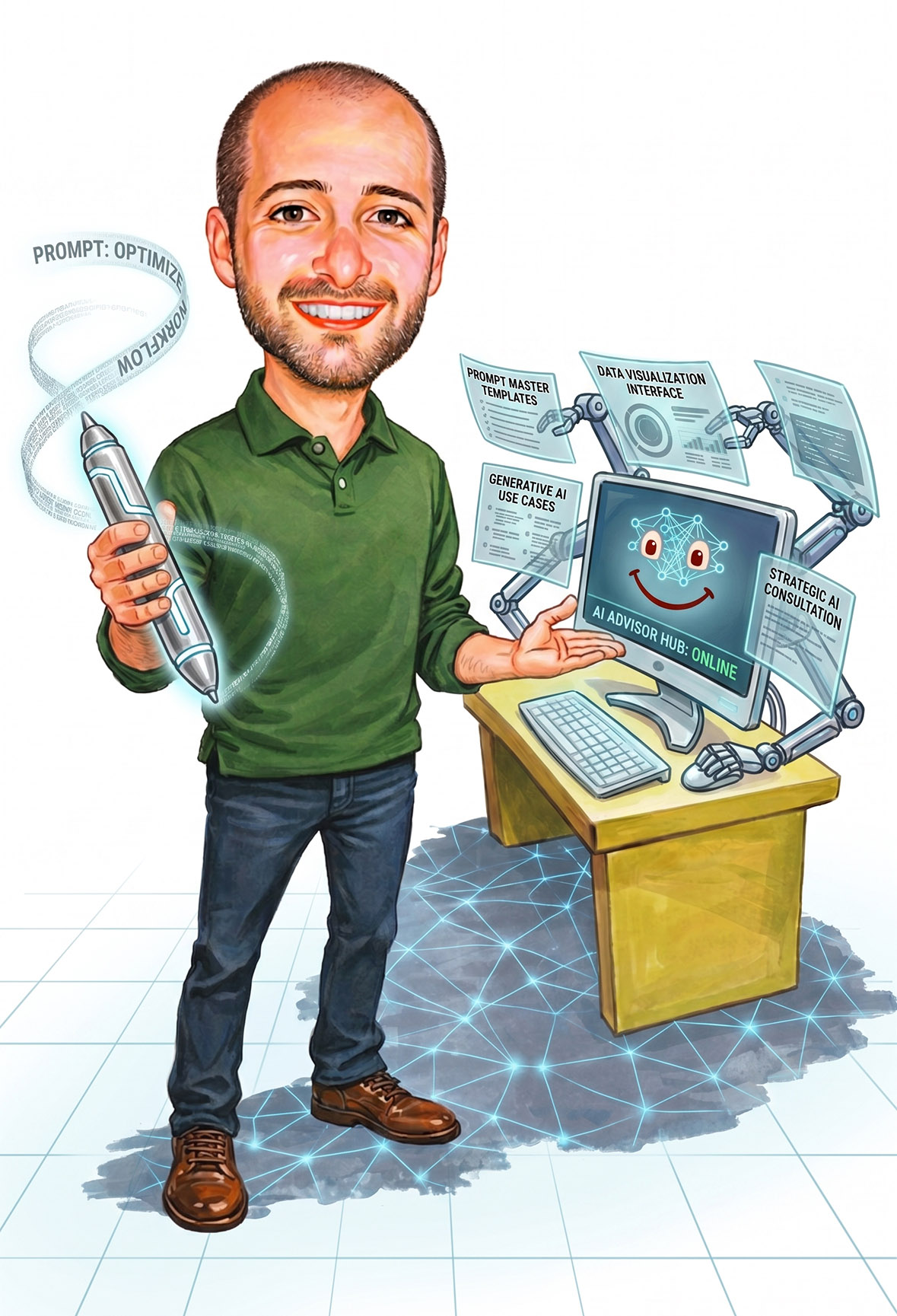
Mike Will Fix IT, London
AI made simple
You've probably heard that AI is going to change everything. Maybe you've already tried it and weren't that impressed. Maybe you're not even sure where to start. Either way, I can help you get genuinely useful results.
So what actually is AI?
Artificial intelligence sounds like something from a science fiction film, but what you're actually dealing with day to day is a lot simpler to understand. The AI tools you hear about, ChatGPT, Claude, Gemini and the rest, are essentially extremely fast next word prediction systems. Think of the spell check or autocomplete on your phone, but cranked up to 11, trained on an enormous amount of text until it learned how to have conversations about it.
Think of it less like a robot and more like a very fast, very well-read colleague who never gets tired, never judges your questions, and is available at three in the morning. It's not magic. It's not thinking the way you are. But used properly, it can save you a remarkable amount of time.
The important thing to understand: AI doesn't know everything, it can make mistakes, and it works best when you know how to talk to it. That's exactly where I come in.
- LLM (Large Language Model)
- The proper name for the thing behind ChatGPT, Claude, Gemini and the rest. It just means a very large pattern spotter that has read an enormous amount of writing and learned to predict what words usually come next. When someone says model or AI, this is normally what they mean.
- Prompt
- Just the message you type to it. The clearer and more specific your prompt, the better the answer you get back. Most disappointing results come from a vague question, not a stupid computer.
- Tokens
- How these tools count text. A token is roughly a few letters or part of a word, not quite a whole word. It matters because the tools have a limit on how much they can read and write at once, and they charge by it. You do not really need to think about it day to day.
- Hallucination
- When the AI says something that sounds confident and sensible but is simply made up. It is not lying on purpose, it is predicting plausible words and sometimes gets the facts wrong. This is exactly why you check anything important rather than trusting it blindly.
Using the wrong tool for the job
There are dozens of AI tools out there, and they're all quite different. Using the same one for every task is a bit like using a hammer for everything. Some AI is brilliant at writing, some at research, some at code. Most people just use whichever one they heard about first.
Asking the wrong way
The quality of what you get out of AI is almost entirely determined by how you ask. Most people write one vague sentence and wonder why the result is generic. The people getting great results are writing detailed, specific requests. It's a skill, and it's one you can learn quickly.
Which AI should you actually use?
Here's a plain-English guide to the main tools and what each one is best at. You don't need to use all of them. Start with one, get comfortable, then explore.
ChatGPT
The one most people have heard of, and for good reason. Brilliant all-rounder for everyday tasks: writing, editing, brainstorming, answering questions, and browsing the web for current information. A great starting point if you're new to AI.
Claude
Particularly strong for long documents, careful and nuanced writing, and anything that requires following a complex set of instructions. Tends to be more thoughtful and less likely to make things up. A good choice when accuracy matters.
Gemini
If you live inside Google's world, Gmail, Docs, Sheets, Google Drive, Gemini plugs into all of it and can help you work with your actual files. A natural choice if you already use Google Workspace.
Copilot
Built into Windows and Microsoft 365. If you use Word, Excel, Outlook, or Teams at work, Copilot is already there waiting to help. Particularly useful for summarising long emails and drafting documents inside apps you already know.
Perplexity
The one to reach for when you want to do research and actually see where the information is coming from. It searches the web in real time and shows you its sources, which makes it far more trustworthy for factual questions than most AI tools.
Getting better answers starts with better questions
This is the single biggest difference between people who find AI genuinely useful and people who give up on it. The way you phrase your request changes everything. Here's a real example of the same task done two different ways.
A few things that make a big difference:
- Tell it who you are and what the context is. "I'm a freelance designer writing to a client who is late paying an invoice."
- Be specific about the format you want. "Keep it under 100 words", "use bullet points", "write it in a friendly tone."
- If the first answer isn't quite right, push back. Tell it what you didn't like and ask it to try again. It won't be offended.
- Give it examples. "Write something like this but for my situation:" and then paste in an example.
- Ask it to explain its reasoning. "Why did you suggest that?" often leads to a better result.
Where AI can genuinely help in daily life
These aren't futuristic possibilities. These are things people are doing right now, every day, that AI handles in seconds.
Drafting emails
Complaints, formal letters, difficult messages. Tell it what you want to say and let it find the right words.
Summarising documents
Paste in a long contract, report, or article. Ask it to give you the key points in plain English.
Research help
Finding information, comparing options, understanding your rights. Faster and more conversational than Google.
Planning and organising
Trip planning, scheduling, to-do lists, meal planning. Give it your constraints and let it do the thinking.
Learning new things
Ask it to explain anything as if you're a beginner. It's endlessly patient and never makes you feel stupid for asking.
Writing and editing
Blog posts, social media, product descriptions, CVs. It writes a draft, you refine it. Much faster than starting from scratch.
Brainstorming ideas
Business names, gift ideas, ways to approach a problem. It generates options quickly so you can pick what feels right.
Working with spreadsheets
Formulas, data sorting, templates. Tell it what you want the spreadsheet to do and it will show you exactly how.
Automating your work
Repetitive tasks, templates, workflows. Often the first step towards a proper custom tool (which I can also build).
Staying safe around AI
AI has made some old scams far more convincing and created a few new ones. The same tools that are genuinely useful can also be used against you, so it helps to know what to watch for. This is a normal part of what I help people with, and there is no such thing as a daft question here.
Common things I can help you spot and avoid:
- Scam emails and messages that now read perfectly, with none of the clumsy spelling that used to give them away. I can show you what still does.
- Fake voice and video, the so called deepfakes. Scammers can copy a voice or a face now. I can explain how to check before you act, especially calls that claim to be family or your bank.
- Dodgy AI apps and downloads. A lot of free "AI" tools are really just malware. I can tell you which are safe and set trustworthy ones up for you.
- Oversharing. It is easy to paste personal or work information into an AI without thinking. I can show you what is fine to share and what is not.
- Confident wrong answers. AI can sound certain and still be completely wrong, so for anything that matters, money, health or legal, I can help you check it properly.
If any of this worries you, or has already happened to you, give me a call on 0776 264 7547 or drop me a message. No judgement, just plain help.
How I can help
I work with individuals and small businesses in London who want to understand AI properly and start using it in a way that actually saves them time. Not a lecture, not a course with hours of videos. Just a practical, hands-on session built around what you actually do and what you actually need.
We look at your situation
What do you do day to day? What takes up your time? What frustrates you? I learn about your work and life before suggesting anything.
I show you what's possible
Hands-on, in plain English. No jargon, no slides, no unnecessary technical detail. Just the tools and techniques that are relevant to you.
You leave knowing what to do differently
The goal is that you walk away with a clear idea of which tools to use and how to get genuinely useful results from them. I'm available afterwards if questions come up.
Not a fan of AI? That's fine too.
If you've had enough of AI features appearing where you never asked for them, you're not alone. Windows keeps adding it. Microsoft 365 has it. Your browser offers it. Your phone suggests it. It's starting to feel a bit like Clippy from the old days of Word, popping up uninvited and getting in the way.
If you'd rather just have a computer that does what you tell it, without a digital assistant second-guessing every decision, I can sort that out. I'll go through your machine, turn off the AI features you don't want, and make sure things stay that way.
No lectures, no trying to change your mind. If you don't want it, you don't have to have it. And I'll get rid of it for you.
Call today and have Mike fix AI for you!
No obligation. If AI isn't the right solution for you, I'll tell you that too.
Send me a message
Tell me a bit about what you're trying to do or what's frustrating you about AI right now. I'll come back with honest advice.
I respond Monday to Friday, 10am to 6:30pm